
Design my Festive Winter

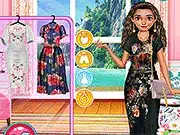
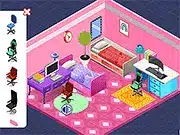
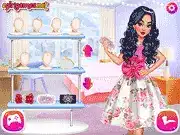
About Design my Festive Winter
Quick Overview
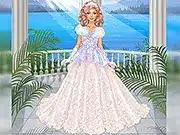
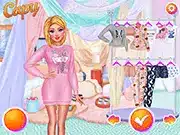
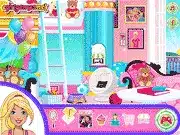
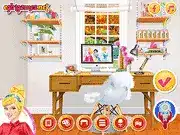
“Design my Festive Winter” is a creative customization game within the Popular category, focusing on aesthetic arrangement. The core mechanic involves selecting and placing various themed assets onto a scene. Players aim to construct a unique and visually appealing festive winter environment or character ensemble.
Game Controls
| Key | Action |
|---|---|
| Left Click | Select item, place element, confirm choice |
| Drag | Reposition selected items, navigate scrollable menus |
| Mouse | General menu navigation, object inspection |
Key Features
- Extensive catalog of festive winter themed assets, including garments, decorations, and backgrounds.
- Intuitive drag-and-drop interface for seamless item placement and arrangement.
- Freedom to mix and match elements to create truly unique winter designs.
- Dynamic scene customization, allowing for changes to environment and character appearance.
Pro Tips & Strategy
Technical Specs
| Feature | Detail |
|---|---|
| Platform | Browser |
| Technology | HTML5/WebGL |
| Category | Popular |
| Controls | Mouse (Left Click, Drag) |
| Rating | User-based |
Frequently Asked Questions
How do I change backgrounds in Design my Festive Winter?
Utilize the designated background selection panel, typically found in a dedicated menu section, then click to apply your preferred winter scene.
Can I save my completed designs in Design my Festive Winter?
The game often provides a ‘Save’ or ‘Download’ option, usually represented by an icon, to capture and store your unique festive creations.
Are there new items added to Design my Festive Winter regularly?
While specific update schedules vary, many Popular game online titles receive periodic content additions; check in-game announcements for details.